
TRATAUTO TECH
IMPROVE YOUR WORK WITH OUR APPLICATION TRATAUTO TECH
CREATE USER IN THE APPLICATION
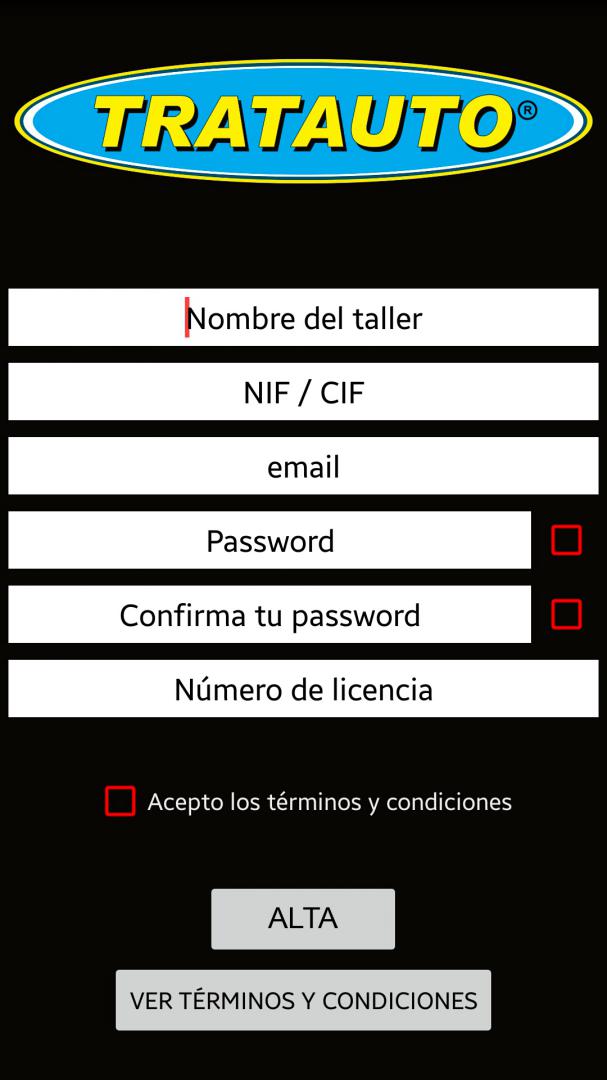
File with images to register. Link your OBDII and have the application ready for use. Watch the movie in Youtube.
WHAT IS TRATAUTO TECH...
APPLICATION
Tratauto Tech, is application oriented to the professional in automotive.

WHAT DOES OUR APP DO:
In real time it obtains values and fault data of any type of vehicle in OBDII platform.
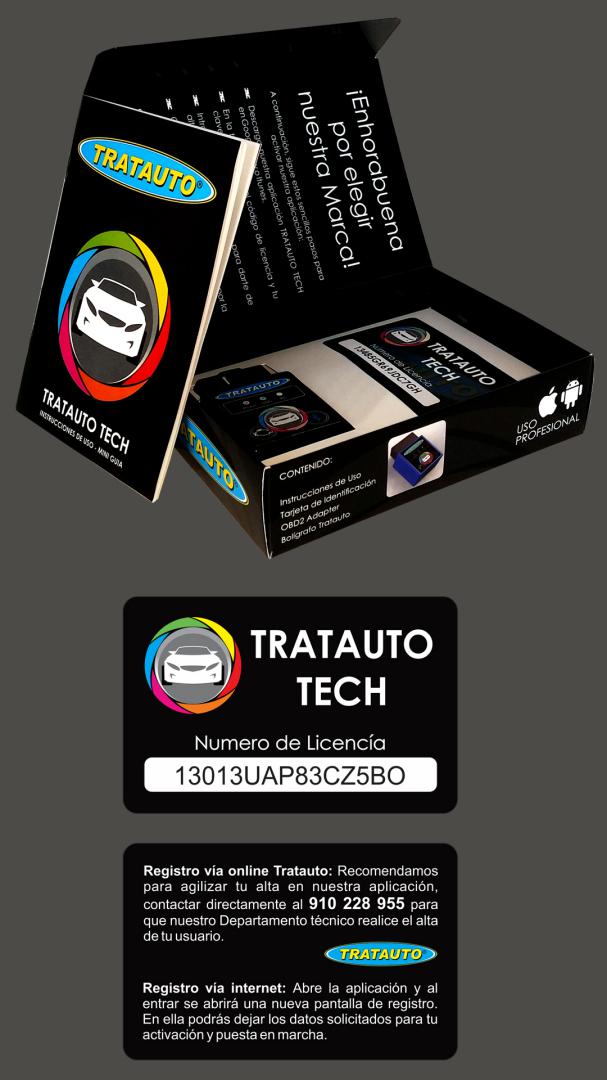
THE PACK CONTAINS:
OBDII Adapter
Instructions for use
License Card
Pen Tratauto
HOW OF USE FOR THE FIRST TIME
1. Download the application and check the correct operation on the mobile / Tablet.
2. Motor off / key to position ON.
3. Locate and connect the OBDII Tratauto TECH module in the vehicle. Always check if the module light turns on as connected.
4. Pair the module to the mobile / Tablet via Bluetooth,
5. The module password is 1234/0000 for pair with mobile / Tablet.
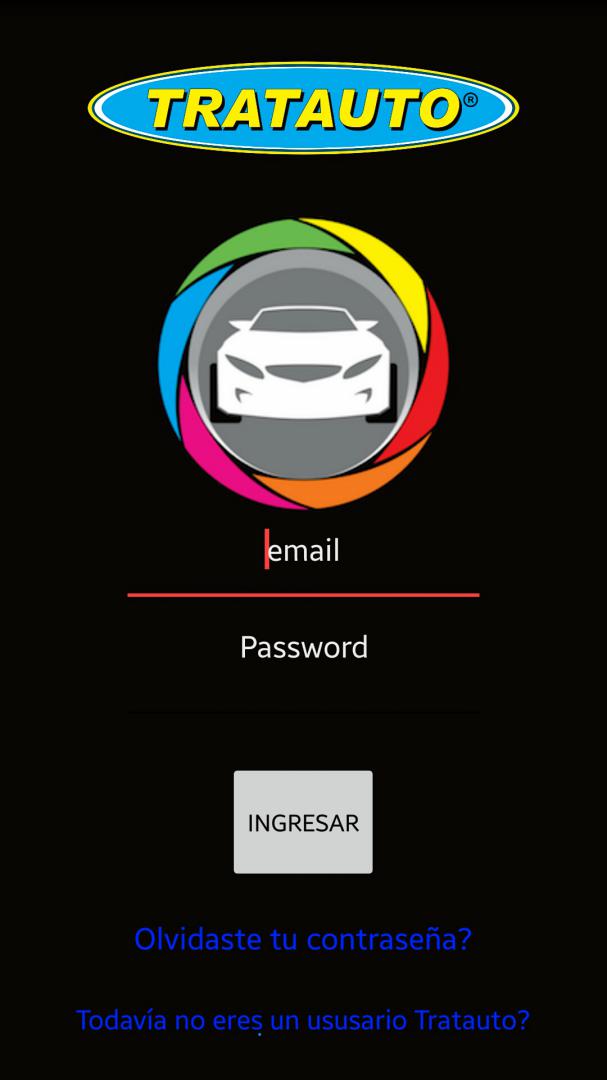
6. Open the application and enter the required data (license and password) to complete your registration or if you prefer, call to our Technical Department at tel .: +34 910 228 955.
Perform a first code reading (SCAN) to check connection and obtain vehicle information.
We recommend that you delete the DTCs / Faults and start an evaluation of the actual values of the vehicle.
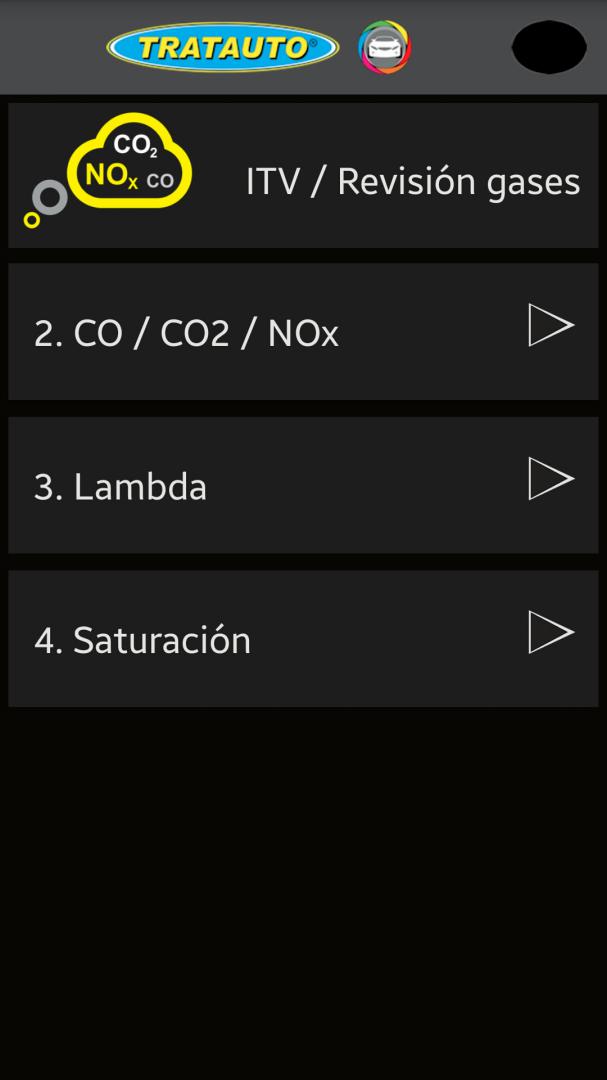
V.I.T. / REVISION GASES

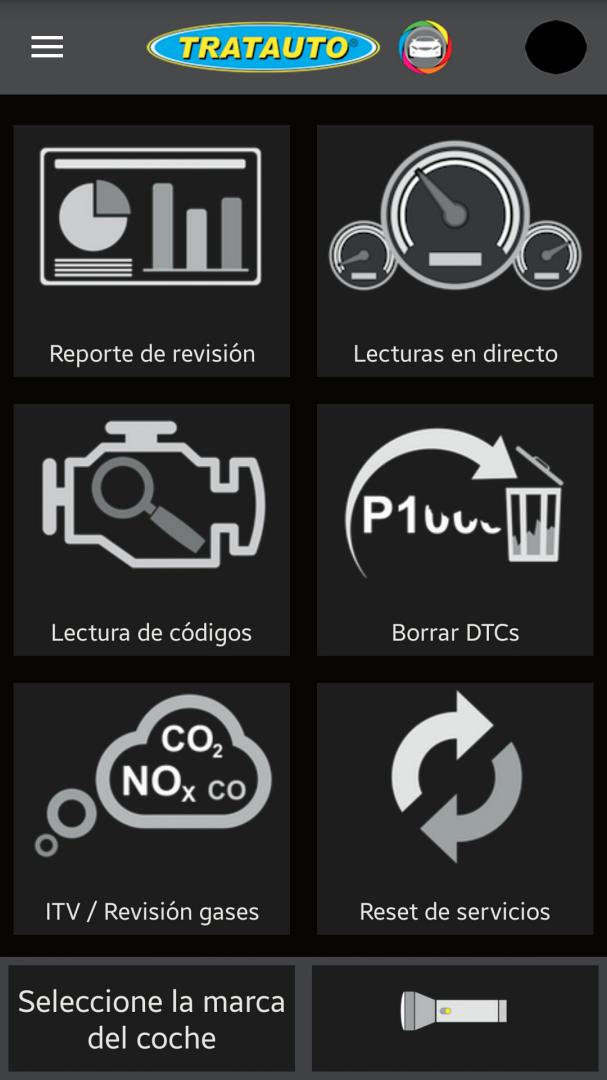
Reading of calculated toxic gases, CO, CO2, NOx. Evaluated in V.I.T.
Lambda values, to know the state of air / fuel mixture.
DPF particle filter saturation, live reading for DPF obstruction status.
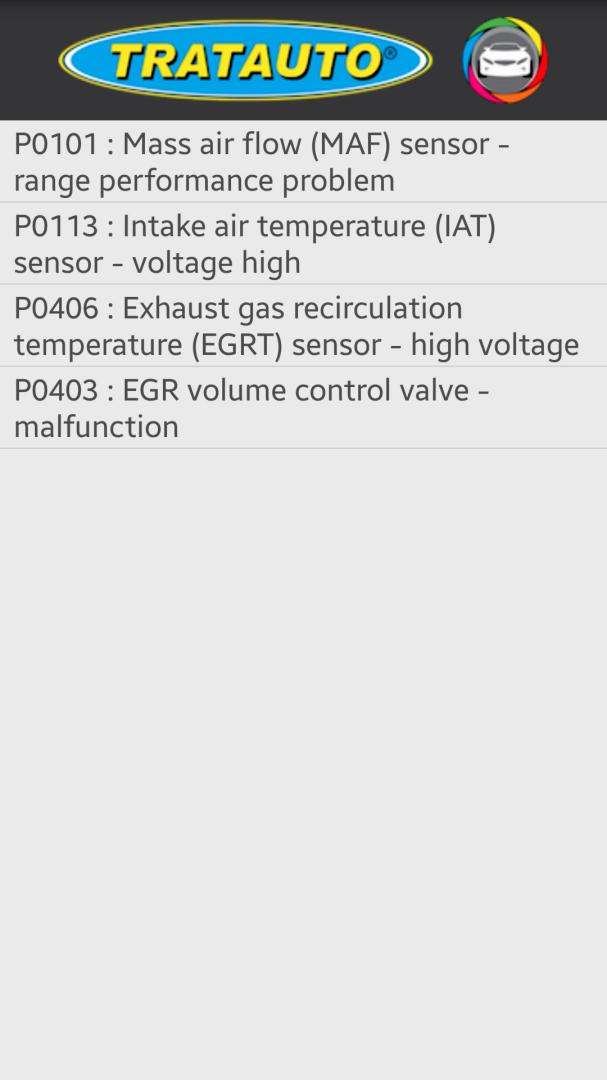
READ OBD CODES

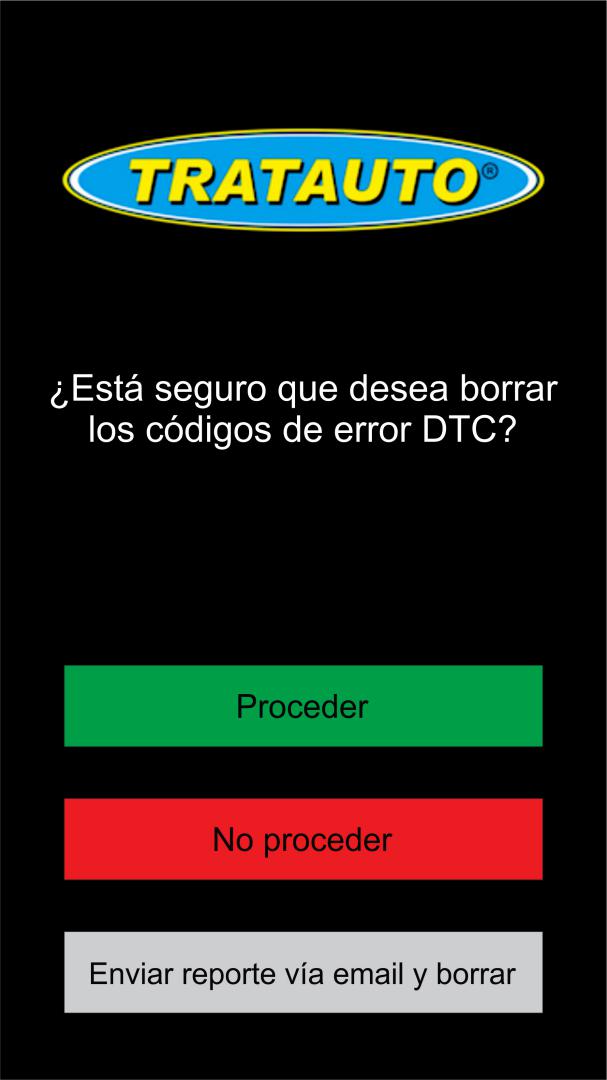
Reading and interpreting OBD fault codes. Erase OBD failure codes that are not permanent. CLEAR DTC'S, function to erase errors and failures of the vehicle that are not permanent in protocol OBD. Button choice Car brand, to quickly choose protocol to operate with TRATAUTO TECH APPLICATION.
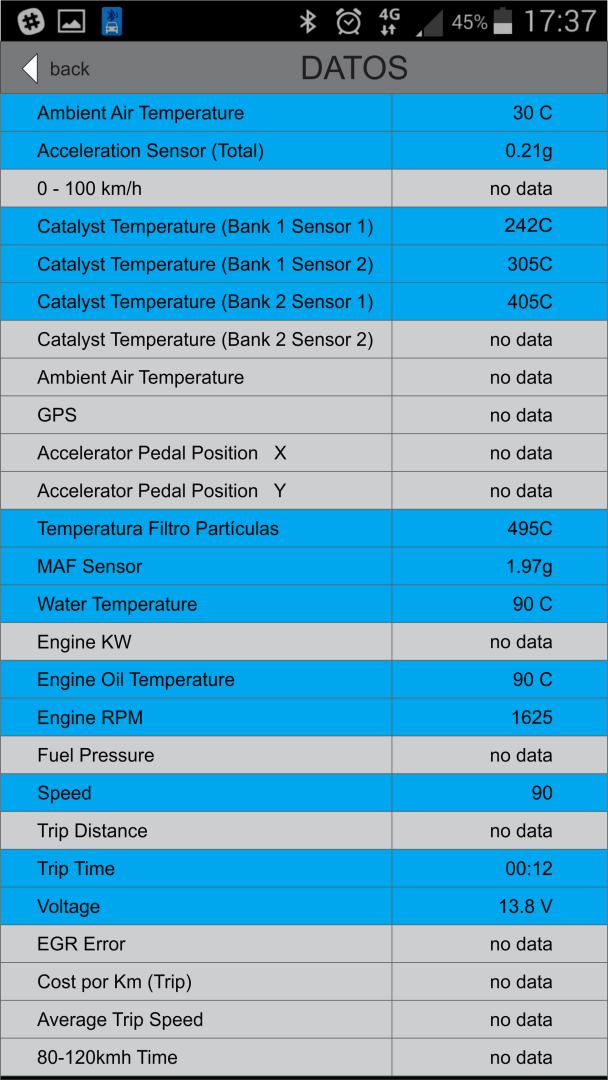
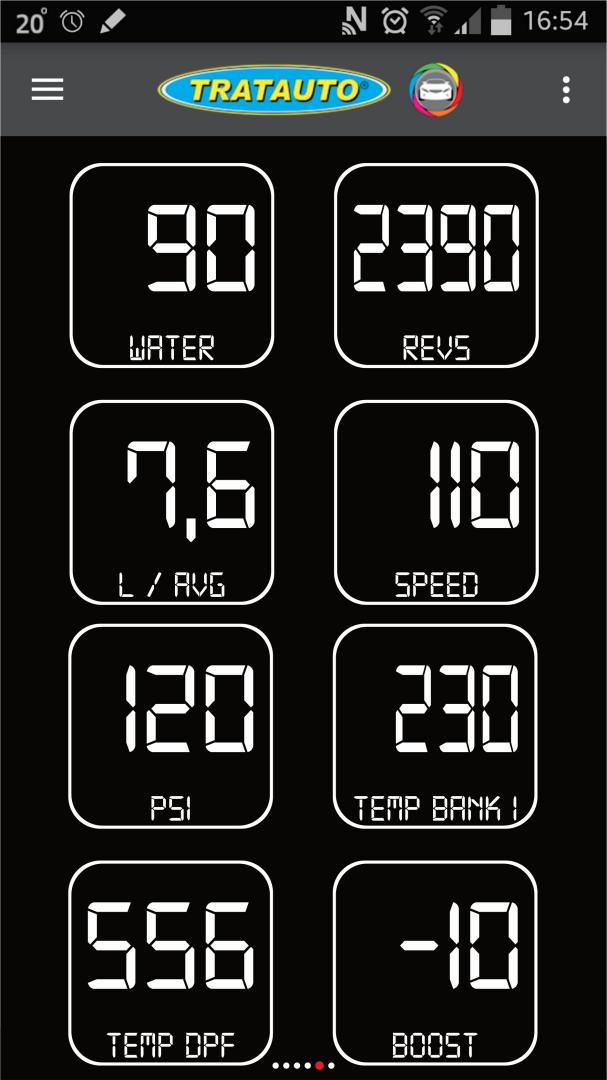
REALTIME INFORMATION

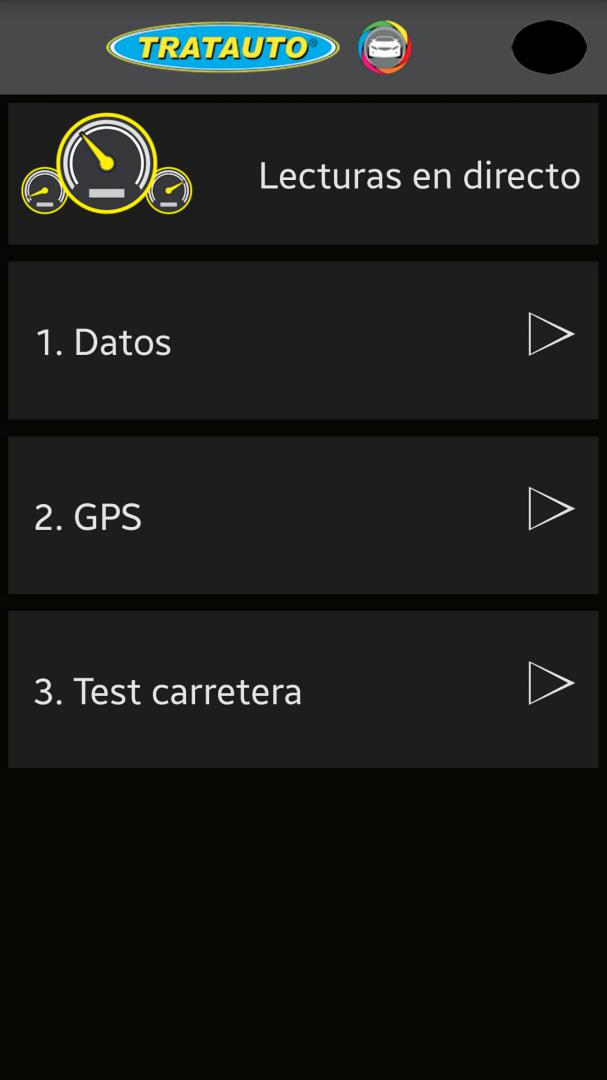
Live reading of vehicle OBD parameters, allowing effective evaluation and knowledge of motor values at the moment.
Test road, for an easy choice of OBD parameters of the vehicle to evaluate.
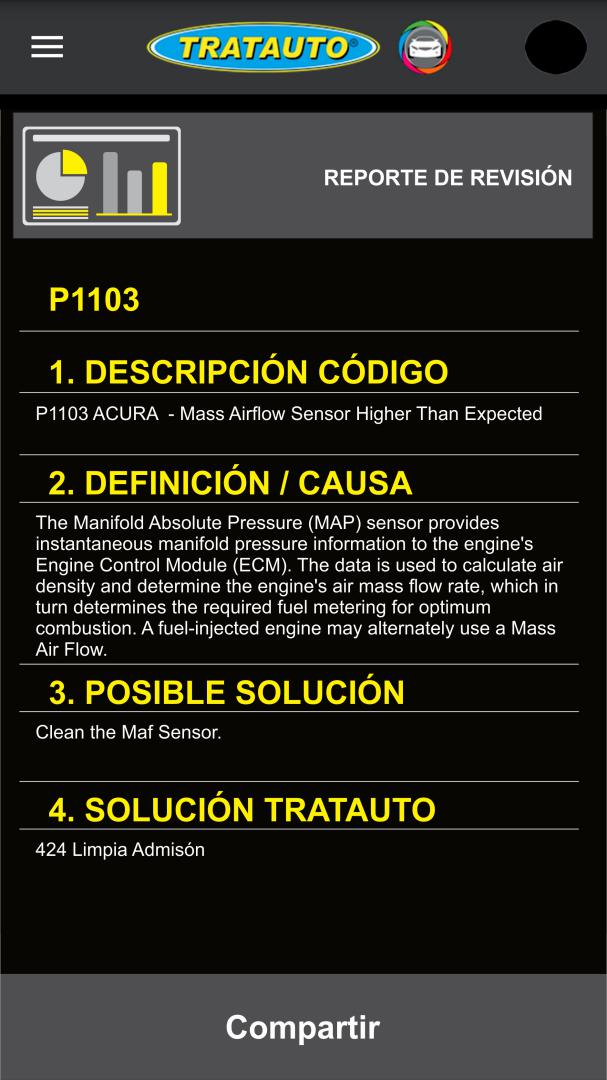
VIEW AND SEND REPORTS

Summary in OBD platform failure reporting mode, identification, description, possible cause and solution, as well as our TRATAUTO SOLUTION, in case of being part of the solution.
The report created can be shared at all times via
e-mail.
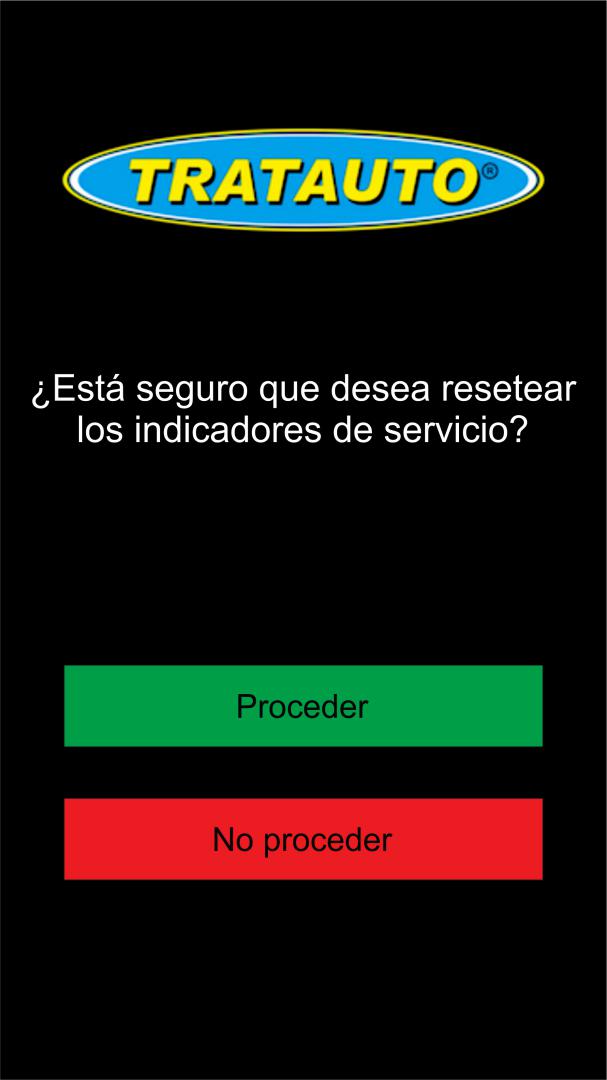
RESET OF SERVICES, We know how difficult it can be to reset a maintenance service, so we offer a quick and efficient solution for the cases of vehicle models that allow this type of protocol. Simply choose the Vehicle Mark and apply the RESET function maintenance service. Built-in flashlight, easy to locate vehicle OBD port. Technical support Tratauto, convenient link via email and / or telephone, with the aim of advising and making recommendations to the user, as well as offering support in the interpretation of data obtained from the TRATAUTO TECH APPLICATION.
Old Versions
Contact:
e-mail: tech@tratauto.com
Phone Number: +34 91 022 89 55
Fax: +34 91 846 17 39
Address:
Calle Platino 58
28770 Colmenar Viejo
Madrid, España


